
Tax Center is a dedicated hub that brings together all tax-related tools and information in one place. Currently this function is only available for the tax payer in India and UAE. The Tax Center consists of three sections: Tax Overview, Tax Records and Tax API. To access the Tax Center page, log in to your Bybit account and navigate to Account → Tax Center.
Tax Overview
The Tax Overview page provides a consolidated view of your tax identity status and tax-related transaction information recorded on your account. It does not determine your overall tax liability.
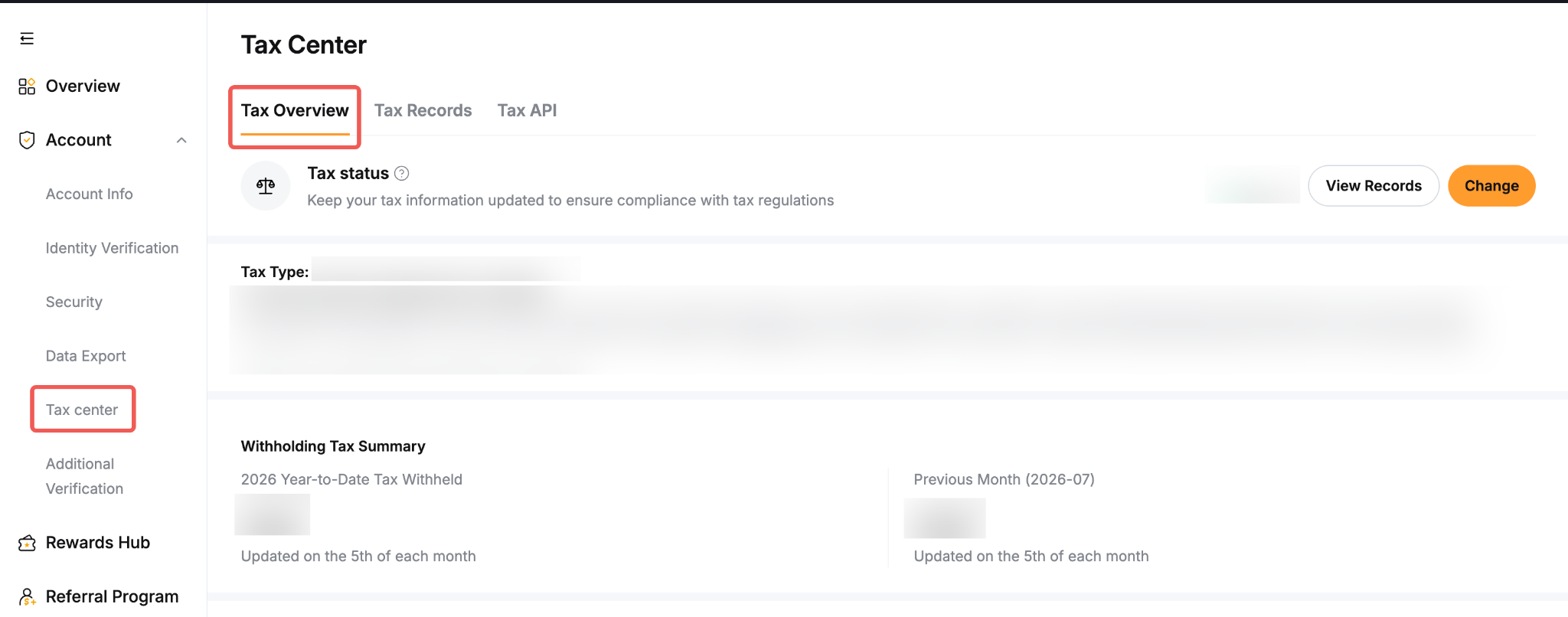
The Tax Overview page provides a consolidated view of your tax identity status and tax-related transaction information recorded on your account. It does not determine your overall tax liability.
Tax Records
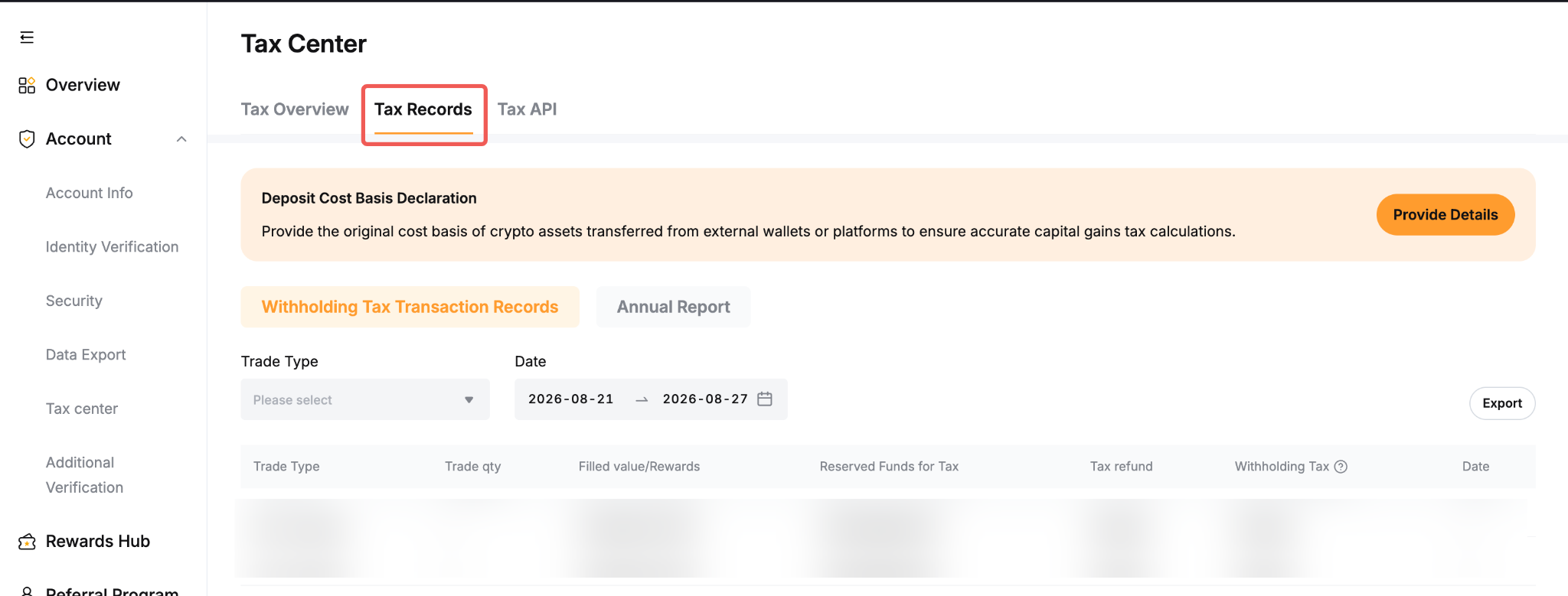
The Tax Records section provides a tool where you can log the cost basis of your crypto deposits for your own internal account tracking and personal record-keeping. Bybit does not provide tax advice or determine your overall tax liability. You are responsible for assessing your individual tax obligations and should consult an independent tax adviser regarding your personal circumstances.
Tax API
The Tax API allows you to connect your Bybit account to supported third-party tax reporting tools. This enables external platforms to automatically retrieve your transaction data for the purpose of generating tax reports.
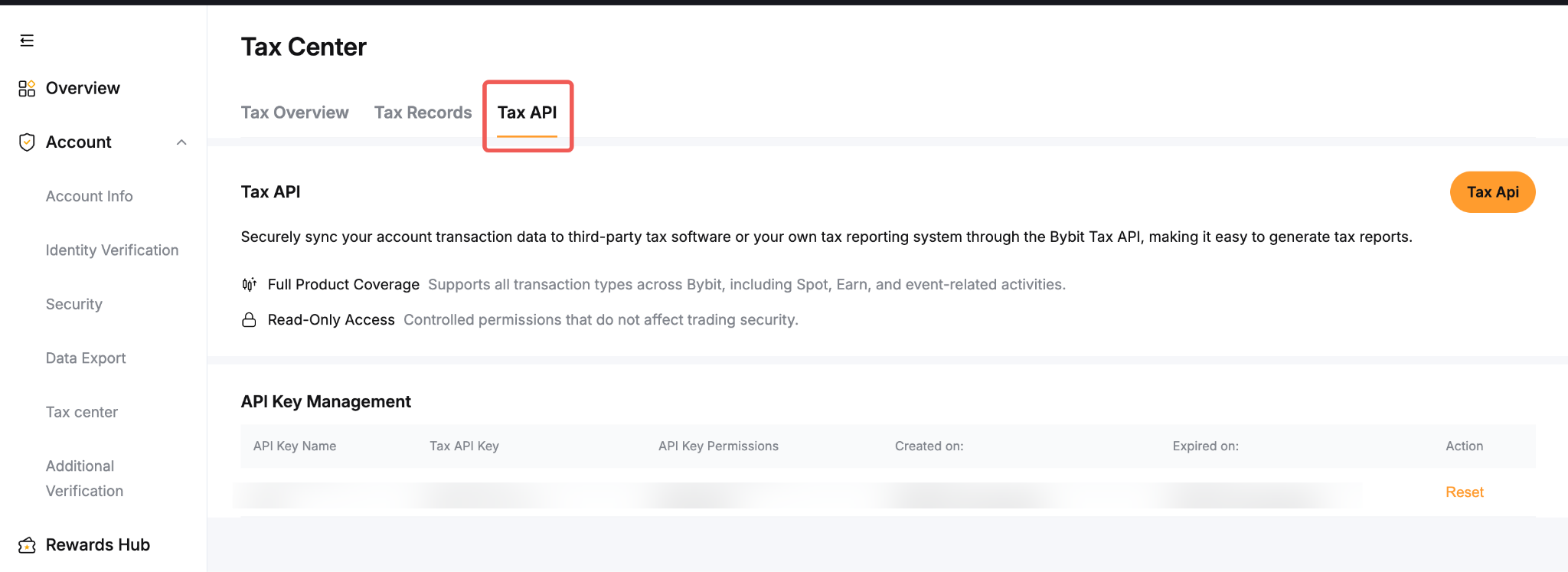
To connect a third-party tax reporting tool via the Tax API, simply log in to your Bybit account and go to Account → Tax Center → Tax API. Select your preferred tax reporting platform from the list of supported integrations and generate your API credentials (API Key and Secret) by following the on-screen instructions. Once done, you can copy the credentials and enter them into your chosen third-party tax tool.
Once authorised, the selected third-party tax reporting tool can access the transaction data permitted by the API credentials. The third-party provider processes that data under its own terms and privacy notice. You can revoke the API credentials at any time through the Tax API page.